Report a Problem
A QR code in the room or on the device. Scan it, take a photo and facilities get the report with the location.
Screens
Exact copies of the module design with sample data.
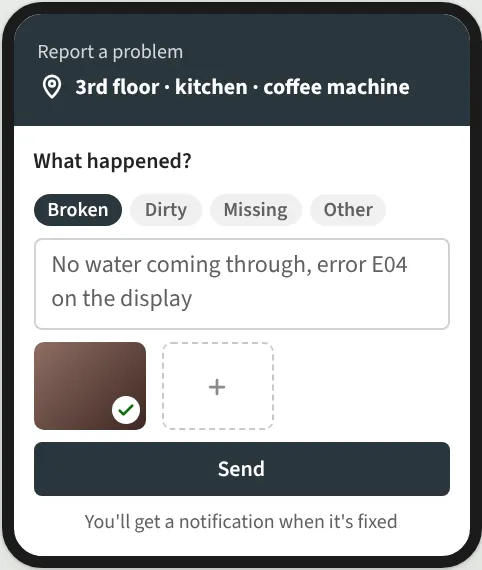
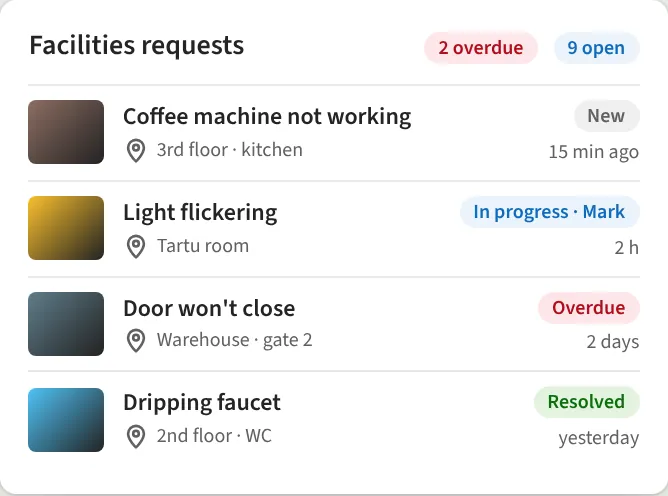
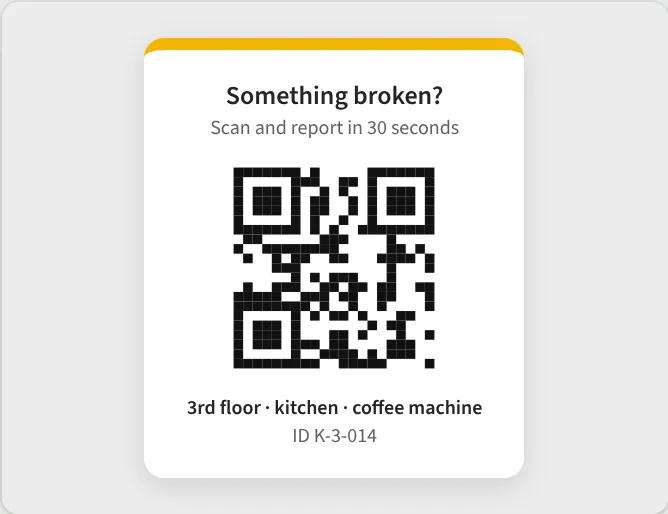
Every room and device has its own QR label. The employee scans it with a phone, the location fills in automatically, and all that's left is to choose what happened and add a photo. Facilities sees all requests in one place, and the reporter is told when it's fixed.
What you get
- QR labels for rooms and devices
- Location auto-filled
- Photo and category
- Facilities dashboard and deadlines
- Reporter notified
Requirements: SharePoint Online.
We reply within one business day.
Request a demo
Tell us a little about your organisation and we will show Report a Problem live in your own context.
hello@westlume.com