Joiners and Leavers
HR enters a name and a date. The account, licenses, groups and computer order take care of themselves.
Screens
Exact copies of the module design with sample data.
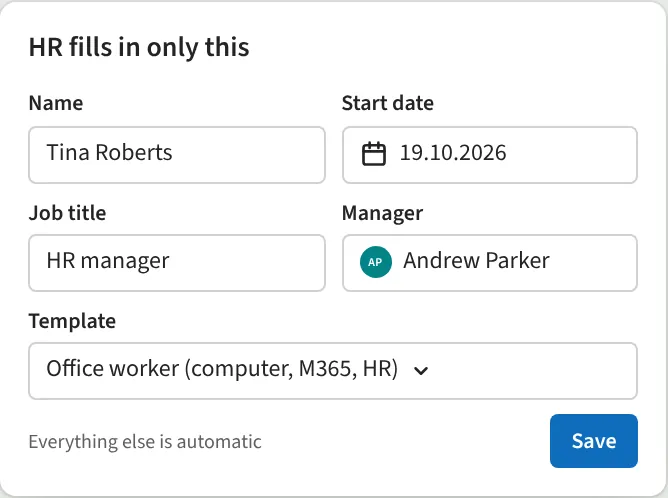
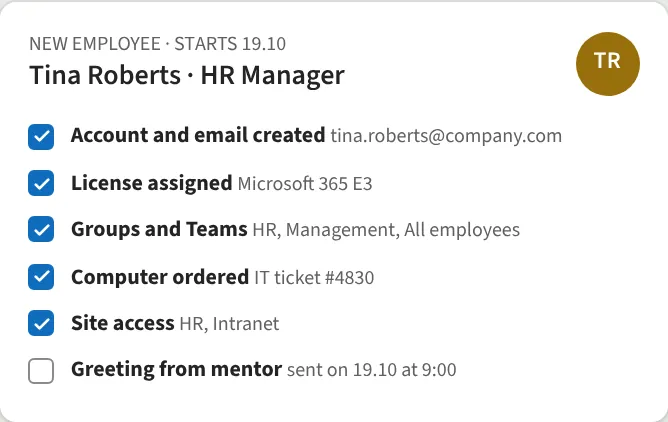
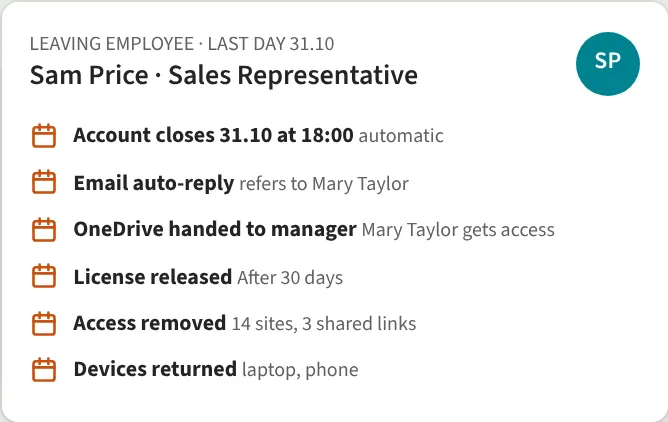
For a new employee, the account is created, a license assigned, groups and Teams added, a computer ordered and site access granted. When someone leaves, the account is closed on time, an auto-reply is set, OneDrive is handed over to the manager and all access is removed. Templates are per role.
What we do
- Account, license and groups automatically
- Computer order to IT
- Access by role template
- On leaving, the account is closed on time
- OneDrive handed to manager
- Access removed everywhere
We reply within one business day.
Request a demo
Tell us a little about your organisation and we will show Joiners and Leavers live in your own context.
hello@westlume.com