Approval Flows
Training, leave, expenses and business trips are approved in Teams with one click, and nothing is left waiting.
Screens
Exact copies of the module design with sample data.
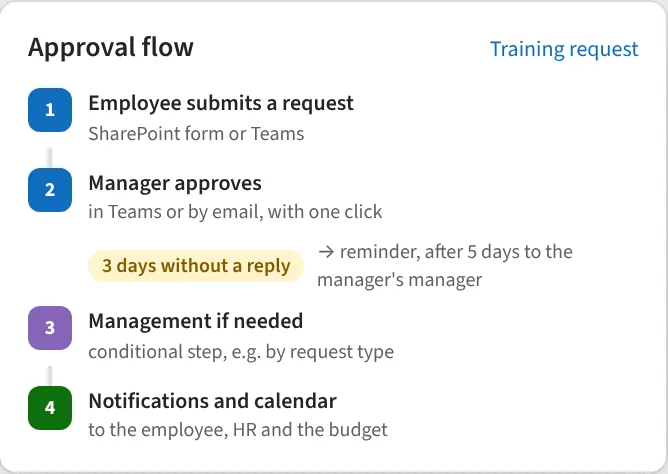
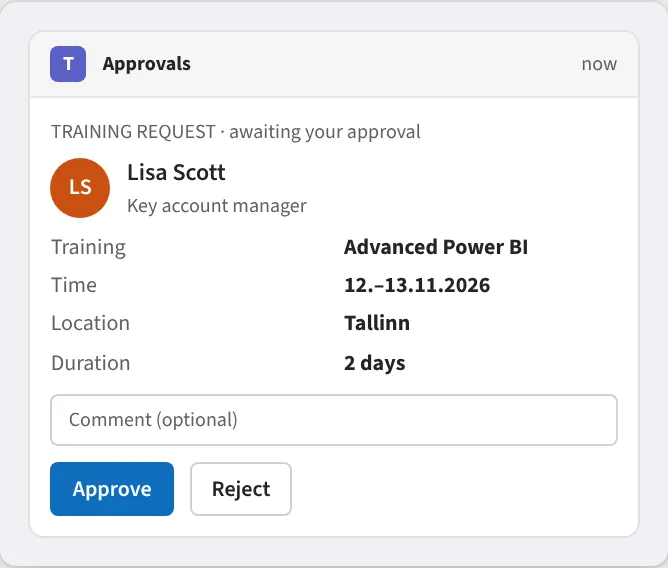
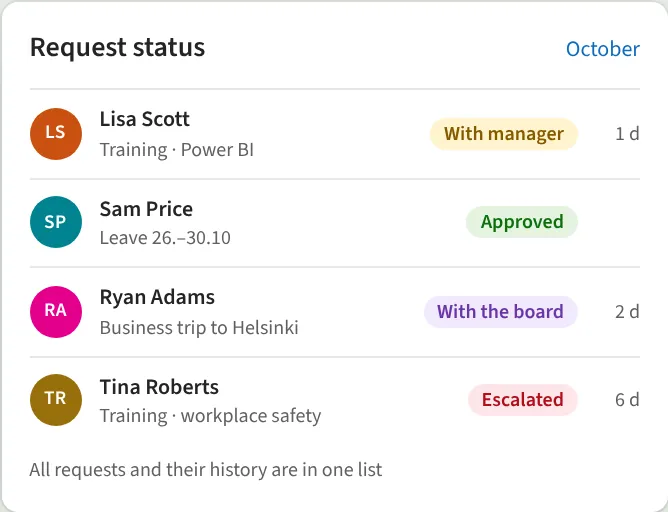
The request goes automatically to the right approver. If no one responds, a reminder is sent and, if needed, it is escalated to the manager's manager. Depending on the amount or type, management approval and notifications are added where needed. All requests and their status are in one list.
What we do
- Approval in Teams or by email
- Multi-step approval
- Reminders and escalation
- Conditions by amount or type
- Request status in one place
- Notifications and calendar entries
We reply within one business day.
Request a demo
Tell us a little about your organisation and we will show Approval Flows live in your own context.
hello@westlume.com