Birthdays, Anniversaries and Absences
Who has a birthday today, who has a work anniversary, who is on leave and who is out of office in Outlook. All in one module.
Screens
Exact copies of the module design with sample data.
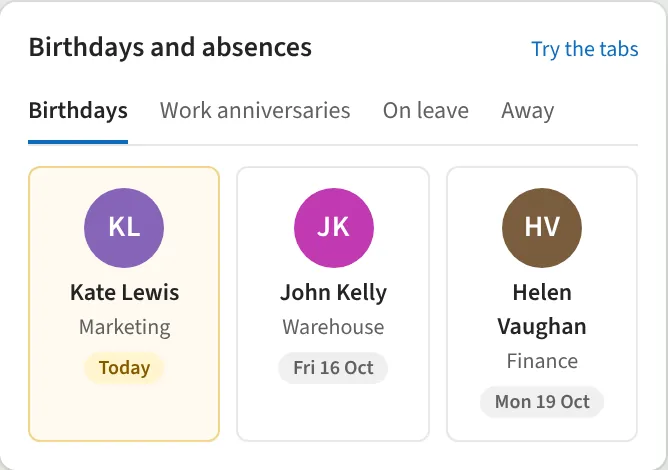
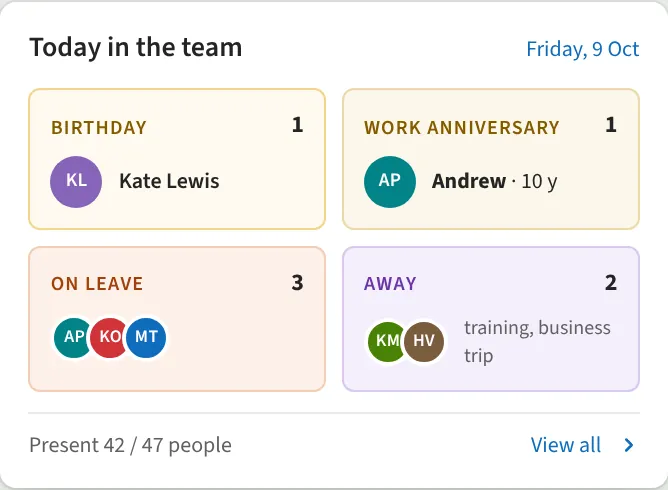
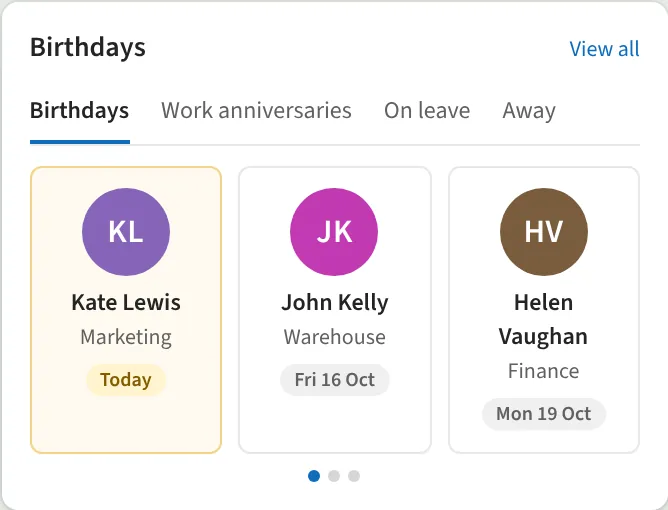
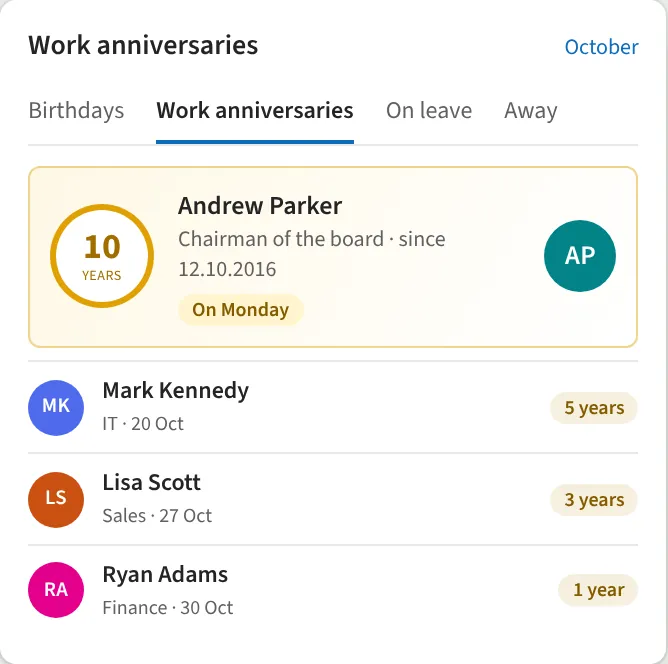
The module brings together four things: birthdays, work anniversaries, leave and absences. Birthdays and start dates come from a SharePoint list, which Power Automate can keep in sync with the HR system. Leave comes from the leave list or the leave app. Absences are read directly from Outlook automatic replies via Microsoft Graph, so when someone turns on Out of office in Outlook, it shows in the intranet right away with the message and the substitute. Tabs and layout can be chosen in the module settings.
What you get
- Tabs: birthdays, anniversaries, on leave, away
- Out of office straight from Outlook, with message and substitute
- Work anniversaries with years of service
- Who is on leave and when they return
- "Today in the team" overview
- Cards, list, week strip and banner
- A tidy empty state when there is no one today
- Sync from the HR system
Requirements: SharePoint Online.
Request a demo
Tell us a little about your organisation and we will show Birthdays, Anniversaries and Absences live in your own context.
hello@westlume.com